= 'NewUniverseObject' ,= 0.01 ,= True ,MD trajectory entity for Blender visualization.
Complete interface for loading, visualizing, and manipulating MD trajectories in Blender using MDAnalysis.
Features: trajectory loading, attribute computation, selection management, visual styling, frame interpolation/averaging, periodic boundary handling, Blender animation integration.
Attributes
universe
mda.UniverseMDAnalysis Universe with topology and trajectory
frame_manager
FrameManagerPosition caching and frame updates
selections
SelectionManager Dynamic atom selections
calculations
dict Custom per-frame calculations
annotations
TrajectoryAnnotationManager Trajectory annotations
world_scale
float Scale factor from Angstroms to Blender units
frame
int Current animation frame (synced with Blender)
subframes
int Interpolation steps between frames
offset
int Frame offset for playback
average
int Number of frames to average (smoothing)
correct_periodic
bool Apply periodic boundary corrections
interpolate
bool Enable position interpolation
dssp
DSSPManager A DSSP Manager to compute and show secondary structures
Examples
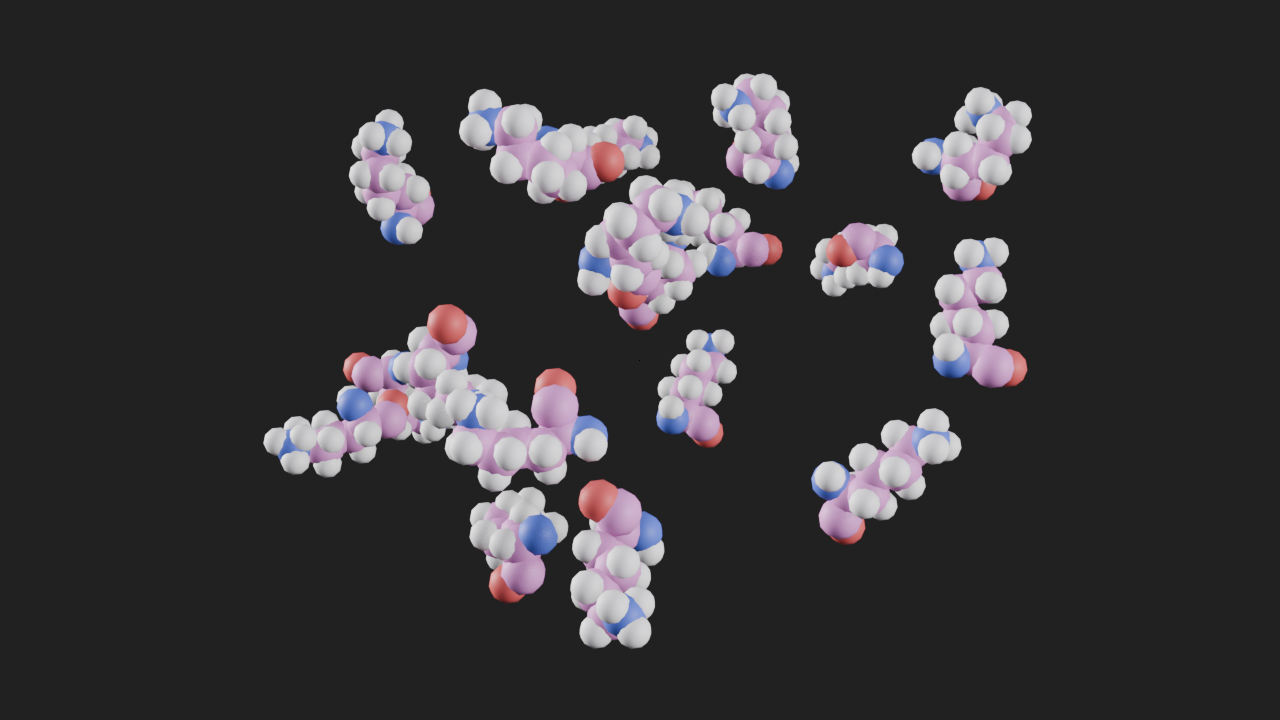
import MDAnalysis as mdafrom MDAnalysis.tests.datafiles import PSF, DCDimport molecularnodes as mn= mn.Canvas()= mda.Universe(PSF, DCD)= mn.entities.Trajectory(u)= "Mesh" ), selection= "resname LYS" )
Methods
add_style Add a visual style to the trajectory.
create_object Create and initialize Blender object for trajectory.
get_view Get the 3D bounding box of a selection within the trajectory
reset_playback Set the playback settings to their default values
set_frame Update trajectory state for scene frame.
add_style
= 'spheres' ,= 'common' ,= None ,= None ,= None ,Add a visual style to the trajectory.
Parameters
style
bpy.types .GeometryNodeTree | str The style to apply to the trajectory. Can be a GeometryNodeTree or a string identifying a predefined style (e.g., “spheres”, “sticks”, “ball_stick”). Default is “spheres”.
'spheres'
color
str | NoneThe coloring scheme to apply. Can be “common” (element-based coloring), “chain”, “residue”, or other supported schemes. If None, no coloring is applied. Default is “common”.
'common'
selection
str | AtomGroup | NoneApply the style only to atoms matching this selection. Can be: - A string referring to an existing boolean attribute on the trajectory - A AtomGroup object defining a selection criteria - None to apply to all atoms (default)
None
material
bpy.types .Material | str | NoneThe material to apply to the styled atoms. Can be a Blender Material object, a string with a material name, or None to use default materials. Default is None.
None
name
str | NoneThe label for this style
None
Raises
ValueError If an unsupported style string is passed
Notes
If a selection is provided, it will be evaluated and stored as a new named attribute on the trajectory with an automatically generated name (sel_N).
create_object
= 'NewUniverseObject' )Create and initialize Blender object for trajectory.
Creates mesh, computes attributes, sets up modifiers, registers with MolecularNodes.
Parameters
name
str Name for the Blender object
"NewUniverseObject"
get_view
= None , frame= None )Get the 3D bounding box of a selection within the trajectory
Parameters
selection
str | AtomGroup A selection phrase or AtomGroup When not specified, the whole entity is considered
None
frame
int | NoneFrame number of trajectory to use for calculating bounds. When not specified, current trajectory frame is used
None
reset_playback
Set the playback settings to their default values
set_frame
Update trajectory state for scene frame.
Main entry point called by Blender’s animation system. Updates positions, selections, and calculations with recursion prevention.
Parameters
frame
int Scene frame number (mapping applied to get Universe frame)
required
Notes
Typically called automatically by frame change handlers, not user code.