import molecularnodes as mn

canvas = mn.Canvas(mn.scene.Cycles(samples=32), resolution=(720, 480))
00:00.467 cycles | WARNING HIPEW initialization failed: Error opening HIP dynamic libraryMolecular Nodes was first built as an add-on for Blender, intended to be used through the GUI.
A lot of improvements have been made to now allow a scriptable interface, but a lot of these changes should still be considered experimental and may change in future versions. The version is pinned to the versions of Blender it is intended for, so while MN is currently version 520.0, it should not be considered that stable.
The quirks of progamming within Blender are numerous and will likely remain regardless of version.
When scripting with Molecular Nodes, it’s important to remember that everything we do doesn’t work in isolation. All of the objects we add & changes we make happen within a “3D scene” inside of Blender, so deleting one thing or another doesn’t always clean up and reset everything you might expect.
Blender itself has a very extensive python API, accessible through the bpy module. Molecular Nodes is designed so that for most general usage you shouldn’t have to ever directly use bpy, but all of the complex settings and controls are still always accessible through that module.
Blender does release the bpy module on PyPI, which lets us use Blender as a regular python package — no Blender install required.
If installed inside of Blender as an add-on, you can script using MN in the python console or when running scripts through Blender.
You can also install and use inside of your own python projects.
molecularnodes is only compatible with python==3.13
Blender is very particular about python versions (and especially numpy versions). Blender adheres to the VFX Reference platform which determines python and common package versions to be used across multiple VFX software for consistency.
Because of this, the bpy package upon which molecularnodes is build is locked to python==3.13 and in particular numpy>=2.3. Going outside of these very particular versions is recipe for distaster.
Blender (bpy) is listed as an optional dependency for MN so if you install inside of Blender itself, there isn’t a double up with the bunlded bpy. This means you’ll need to always manually request it when installing or add it as a requirement for separate projects.
pip install molecularnodes[bpy]The main class you will interact with is the Molecule. A single Molecule represents any structure — a static structure downloaded from the PDB, a local file, or a molecular dynamics trajectory — using an MDAnalysis.Universe as its underlying data model.
Molecule
mn.Molecule.fetch / mn.Molecule.load, or wrap an existing MDAnalysis.Universe directlybiotite and converted to a mda.UniverseUniverse as the scene frame changesPreviously static structures and trajectories were separate Molecule and Trajectory classes; these have now been unified into the single Molecule from v520+.
To get started, with import the module start a new scene be creating out Canvas object. This class lets us more easily control the 3D scene that we create our models and do rendering with. Changing render engine, camera resolution and controlling the camera is all done through this class.
You must a new canvas first, before loading any structures.
import molecularnodes as mn
canvas = mn.Canvas(mn.scene.Cycles(samples=32), resolution=(720, 480))00:00.467 cycles | WARNING HIPEW initialization failed: Error opening HIP dynamic libraryMoleculeThe mn.Molecule can take a AtomArray from the biotite package directly, or it has the mn.Molecule.fetch and mn.Molecule.load class methods to download directly from the PDB or load a local file.
After loading the molecule, to be able to see anything we must first add a style. Then we can frame the camera on the object and take a snapshot.
mol = mn.Molecule.fetch("4ozs")
mol.add_style("cartoon")
canvas.look_at(mol)
canvas.snapshot()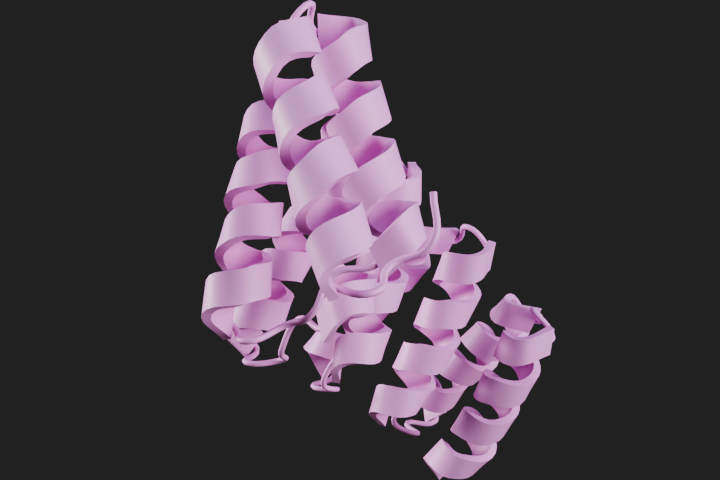
canvas.clear()
canvas.background = (0, 0.6, 0.6, 1.0)
canvas.camera.lens = 130

mol = mn.Molecule.fetch("9MD2")
mol.add_style("cartoon", loop_radius=0.6, material=mn.material.AmbientOcclusion())
canvas.look_at(mol)
canvas.snapshot()
Info: Deleted 2 data-block(s)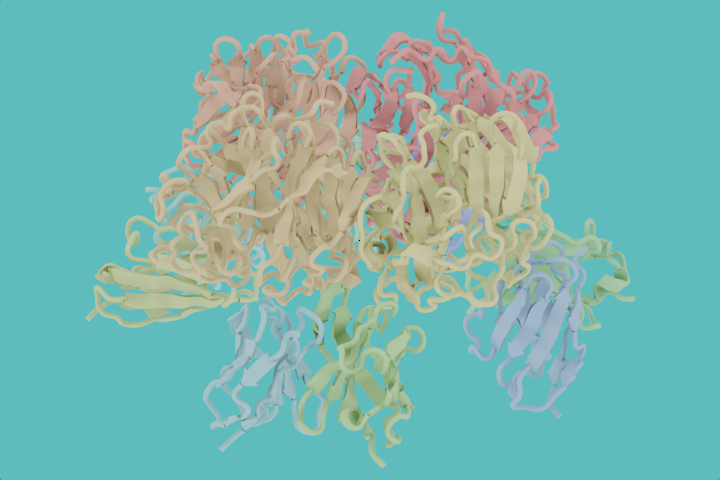
canvas.look_at(mol, (-180, 0, 0))
canvas.snapshot()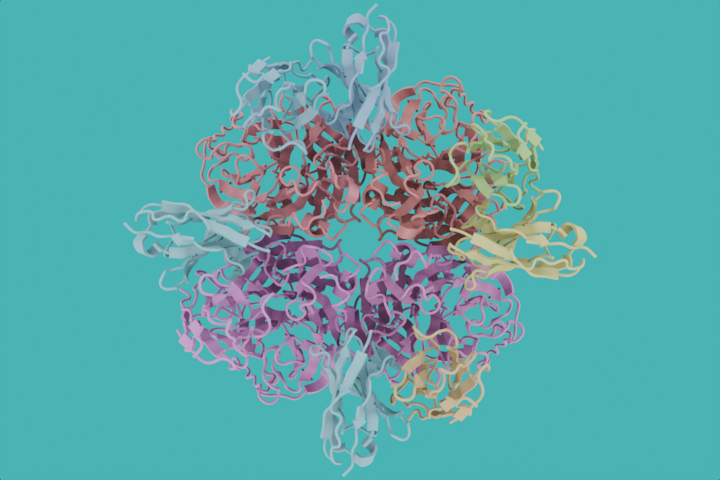
canvas.clear()
canvas.engine = "eevee"
canvas.resolution = (800, 800)
canvas.transparent = True

mol = mn.Molecule.fetch("Q8W3K0", database="alphafold")
with mol.tree.reset() as (atoms, join):
    (
        atoms
        >> mn.nodes.geometry.SetColor(color=mn.nodes.geometry.ColorPLDDT())
        >> mn.nodes.geometry.StyleCartoon(
            material=mn.material.Default().material
        )
        >> join
    )
canvas.look_at(mol)
canvas.snapshot()
Info: Deleted 3 data-block(s)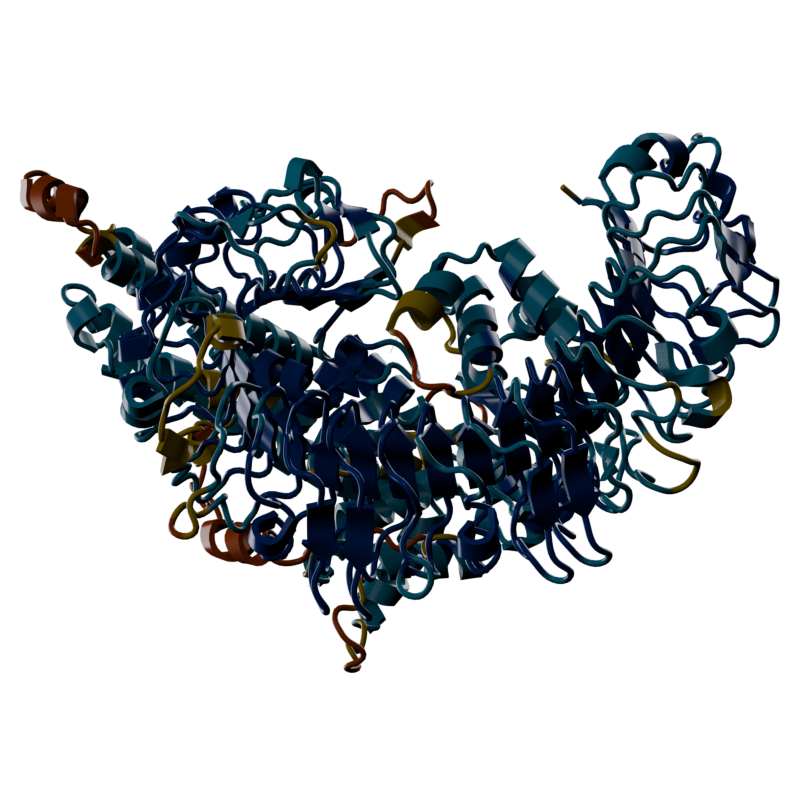
A Molecule behaves the same whether it holds a single structure or a full trajectory. From here:
Canvas.