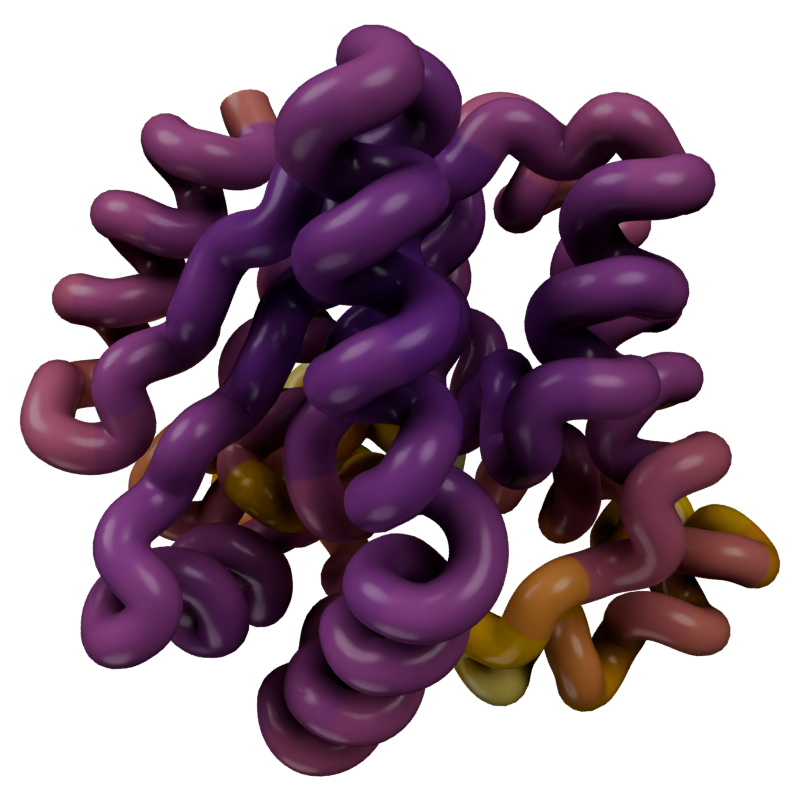
Working with multi-frame molecules and molecular dynamics data
A trajectory is not a special class — it is simply a Molecule whose underlying MDAnalysis.Universe has more than one frame. Loading, styling and rendering all work exactly as they do for a static structure. This page covers the extra behaviour that only applies when there is more than one frame: playback, per-frame updates, and colouring by values computed from a trajectory.
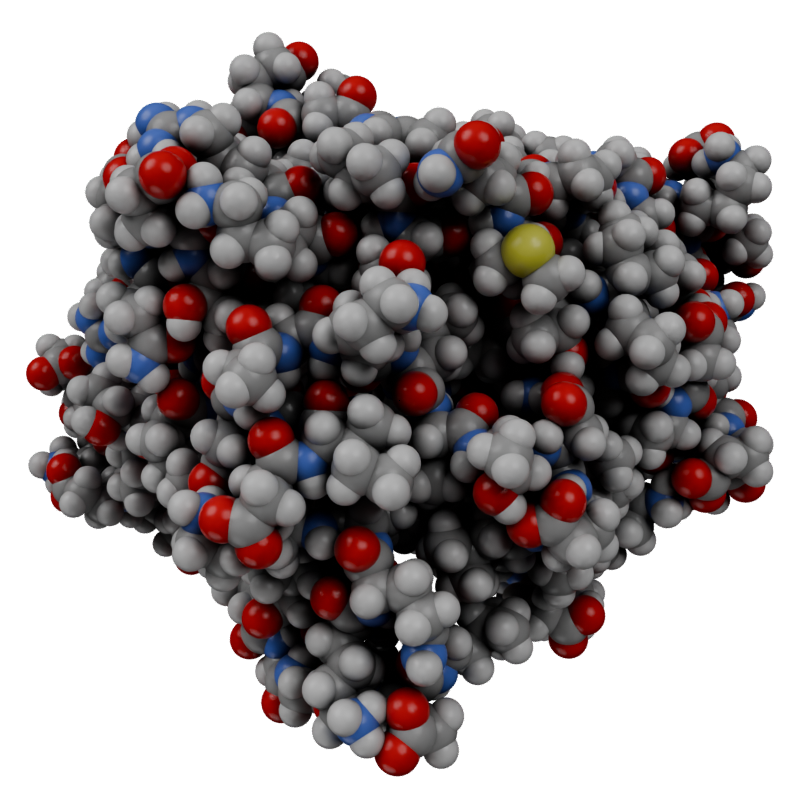
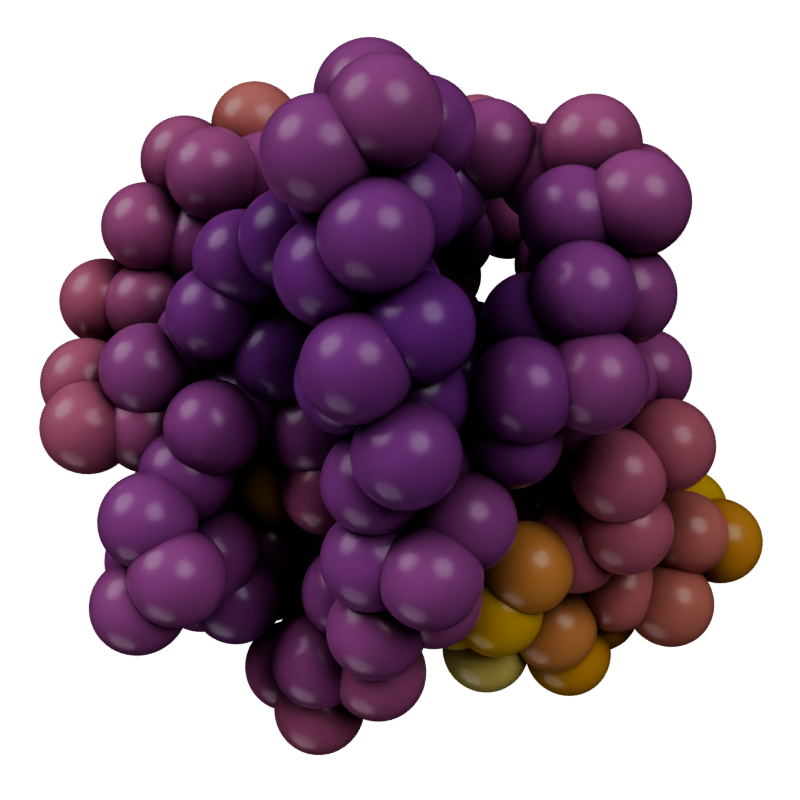
The simplest rendering is just loading the Molecule, adding a style and then rendering an image — no different from a static structure.
u = mda.Universe(PSF, DCD)traj = mn.Molecule(u)traj.add_style("spheres")canvas.look_at(traj)display(canvas.snapshot())canvas.clear()
Figure 1: A simple render of the atoms in the mda.Universe.
Info: Deleted 2 data-block(s)
Playback
The connection to the Universe is maintained as the scene frame changes, so the positions update live during playback. Several properties on the Molecule control how frames are sampled and interpolated:
frame — the current frame (synced with Blender’s scene frame).
subframes — interpolation steps inserted between frames.
offset — a frame offset applied during playback.
average — number of frames to average for smoothing.
interpolate — enable position interpolation between frames.
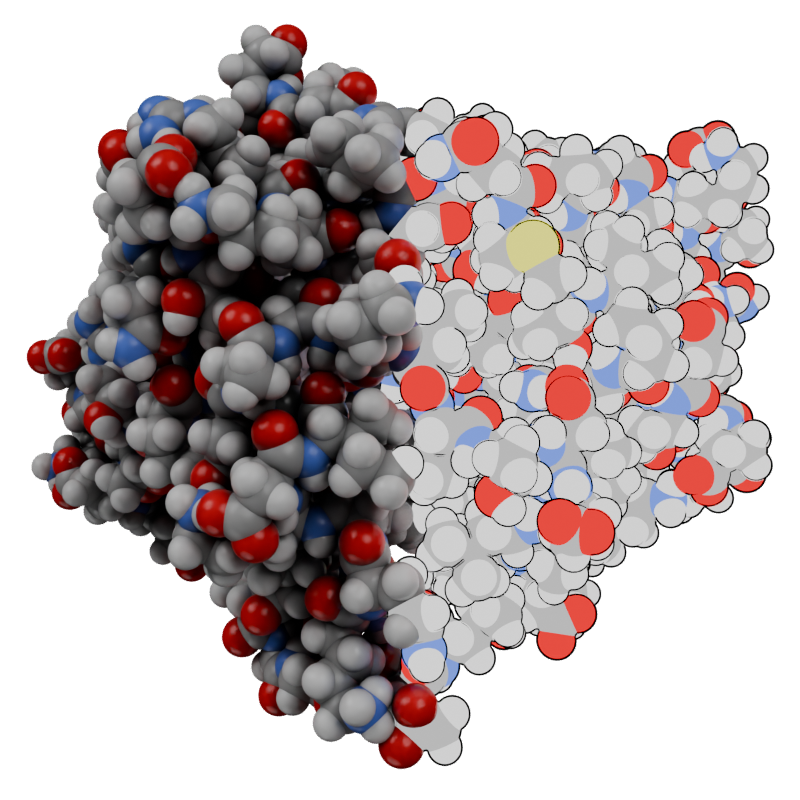
We can reset the node tree to clear existing styles, and selectively add them based on some selection. The selection can be an AtomGroup or a string. If a string, first the existence of a Named Attribute is checked and if it exists that is used as a boolean to apply the selection. If the attribute doesn’t exist, the string is used as an MDAnalysis selection string — equivalent to doing u.select_atoms() and passing that atom group as a selection.
NoteMaterials on Point Clouds
The default geometry for StyleSpheres() is "Point" which uses point cloud rendering inside of Blender. It’s a limitation of Blender that we can’t have multiple materials on the same point cloud, so we get issues if we try to assign different materials and join them back together. To get around this we have to use the "Instance" geometry (which can be combined with a point cloud that has a different material).
from molecularnodes.nodes import geometry as mgfrom nodebpy.nodes import geometry as gmedian = np.median(traj.atoms.positions, axis=0)sel = traj.selections.from_string(f"prop x > {median[0]}")with traj.tree.reset() as (atoms, join): selection = sel.node() ( atoms>> mg.StyleSpheres( ..., selection,"Instance", quality=5, material=mn.material.Flat().material )>> mg.StyleSpheres( ...,~selection, material=mn.material.Default().material ) >> join )canvas.look_at(traj)canvas.snapshot()
Figure 2: Selectively apply the style using an MDAnalysis selection string.
traj.tree
Transformations applied to the Universe (such as rotations or unwrapping) carry through to the rendered molecule.
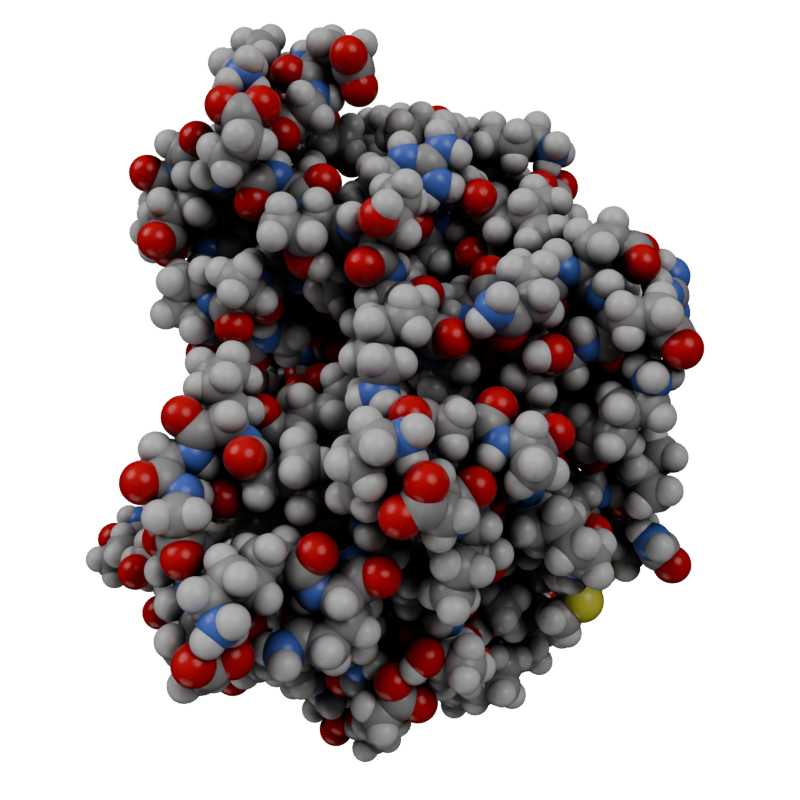
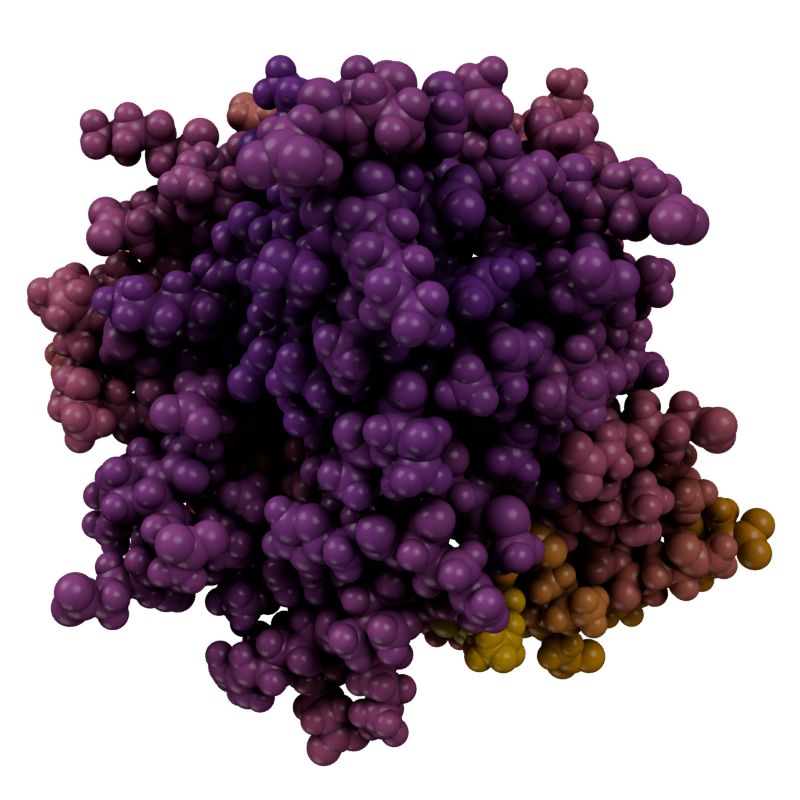
A common trajectory workflow is to compute a per-atom value with an MDAnalysis analysis and use it to colour the render. Here we align the trajectory and compute the per-residue RMSF.
adk = datasets.fetch_adk_equilibrium()u = mda.Universe(adk.topology, adk.trajectory)average = align.AverageStructure(u, u, select="protein and name CA", ref_frame=0).run()ref = average.results.universealigner = align.AlignTraj(u, ref, select="protein and name CA", in_memory=True).run()c_alphas = u.select_atoms("protein and name CA")R = rms.RMSF(c_alphas).run()u.add_TopologyAttr("tempfactors")protein = u.select_atoms("protein")for residue, r_value inzip(protein.residues, R.results.rmsf): residue.atoms.tempfactors = r_value
Compute a numpy array of color values (Red, Green, Blue, Alpha) that we can then store on the mesh object inside of Blender that will be used for coloring in the final render.
Create the Molecule object that will be visualised inside of Blender. After initialising it, we store the computed colors as a Named Attribute on the mesh with the store_named_attribute() function, or directly by doing Molecule["Color"] = col_array. We have direct access to the named attributes on the mesh of the Molecule object, to get and set the values. By defualt the Nodes will use the Color named attribute for assigning the final color that is used in the render.
(b) Ribbon and cartoon use the color from the alpha carbon.
Figure 3: We can compute custom color values and then use those in the final render.
A sub-selection of atoms
When adding a style, we can ensure it is only applied to some selection of atoms. The selection can be an AtomGroup or a string. In this case we pass an AtomGroup and the selection is only applied to those atoms from the group.
A currently-running simulation can be streamed frame-by-frame rather than loaded from disk, using MDAnalysis and IMDClient. See the StreamingTrajectory reference and the Streaming Trajectories tutorial for a full walkthrough.