import molecularnodes as mn
import MDAnalysis as mda
from MDAnalysis.tests.datafiles import PSF, DCD

canvas = mn.Canvas()Rendering
Rendering images and animations with the Canvas.
The Canvas is used to render images and animations of any Molecule, whether it is a single static structure or a multi-frame trajectory. Annotations can be attached to the molecule and will appear in the render.
Add a Molecule to Blender
u = mda.Universe(PSF, DCD)
mol = mn.Molecule(u).add_style("cartoon")

# add resid 1 and 129 with spheres style, using mesh geometry
mol.add_style("spheres", selection="resid 1 129", sphere="Instance")
<Molecule, `universe`: <Universe with 3341 atoms>, `object`: <bpy_struct, Object("NewUniverseObject") at 0x247511f8>Add annotations
mol.annotations.add_universe_info()
mol.annotations.add_com_distance(
    selection1="resid 1", selection2="resid 129", text1="r1", text2="r129"
)
<molecularnodes.annotations.manager.COMDistance_interface at 0x7f081d8023c0>Render an Image
snapshot renders a still image and returns it as an IPython.display.Image, which displays automatically when it is the result of a notebook cell. Pass path= to also save the image to disk, render_scale= for a quick lower-resolution preview, and frame= to render a specific frame of the scene.
canvas.look_at(mol)
canvas.snapshot(frame=75)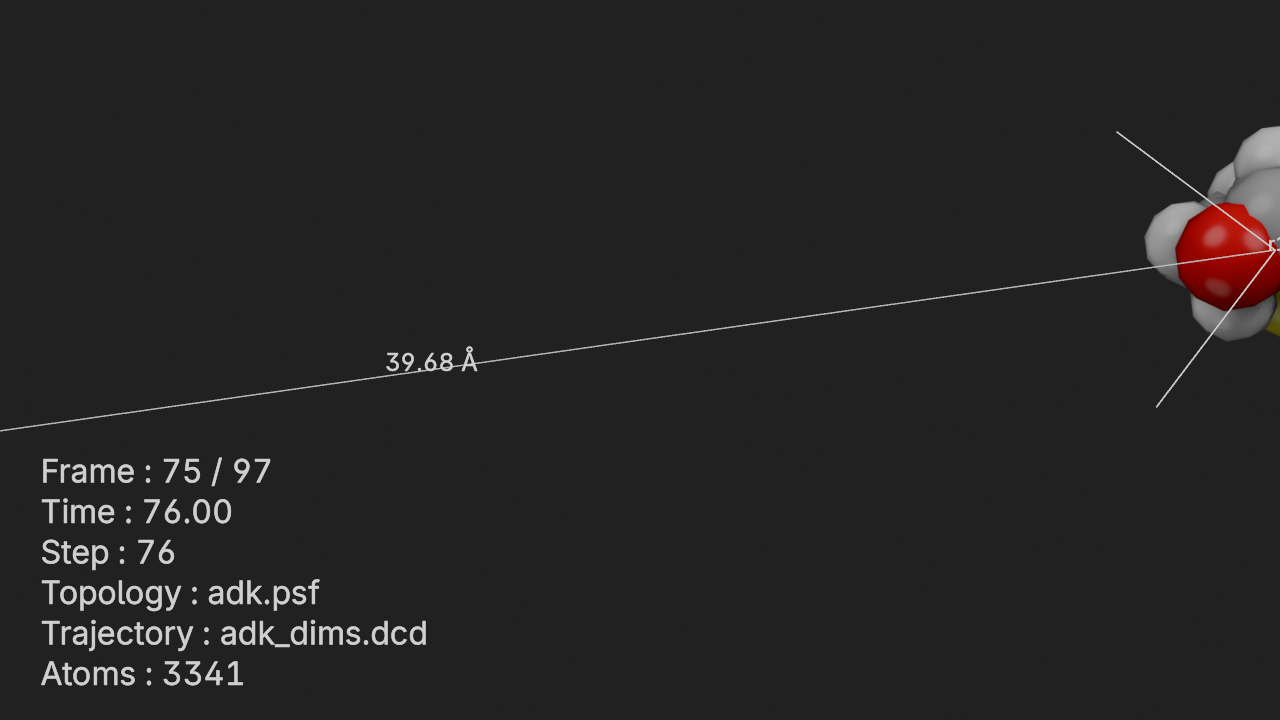
To show a render that isn’t the last expression in a cell (e.g. inside a loop), wrap the call with display():
for frame in [1, 50, 90]:
    display(canvas.snapshot(frame=frame))
Render an Animation
animation renders the scene’s frame range and returns the result for display in the notebook — an IPython.display.Video for MP4 (the default) or an IPython.display.Image for GIF output (format="gif", which requires the pillow package). As with snapshot(), pass path= to also save the file to disk; a .gif suffix on the path selects GIF output automatically. The frame rate can be overridden per-call with fps=.
canvas.animation(frame_start=10, frame_end=50, render_scale=50)Deterministic Renders
Renders can be made fully reproducible, which is useful for regression testing a project that uses MolecularNodes as a library — comparing today’s render of a scene against a committed reference image. Three settings pin down the sources of nondeterminism:
- render with Cycles on the CPU (
device="CPU") — GPU output varies between drivers and hardware - disable denoising (
denoise=False) — OpenImageDenoise output is not stable across versions and platforms - run the compositor on the CPU (
canvas.compositor.device = "CPU")
Cycles renders from a fixed sampling seed by default, so with a set sample count the same scene then renders to the same pixels every time:
import io
import numpy as np
from PIL import Image

canvas.engine = mn.scene.Cycles(samples=32, device="CPU", denoise=False)
canvas.compositor.device = "CPU"
canvas.resolution = (320, 180)


def pixels(snapshot):
    return np.asarray(Image.open(io.BytesIO(snapshot.data)))


np.array_equal(pixels(canvas.snapshot()), pixels(canvas.snapshot()))TrueTwo caveats on the scope of that exactness:
- Renders are pixel-identical, but the written PNG files are not byte-identical (metadata differs between writes), so compare decoded pixels rather than files.
- Pixel-exactness holds per platform and Blender version. Across operating systems and versions the same render drifts slightly, so cross-platform comparisons need a small tolerance. Blender’s own render tests count a pixel as failing when a channel differs by more than ~4/255 and fail the image when more than 1% of pixels fail; MolecularNodes’ render regression tests (
tests/test_render_images.py) use the same model and its macOS-rendered reference images pass on Linux and Windows.